





Modules Overview

Overview #

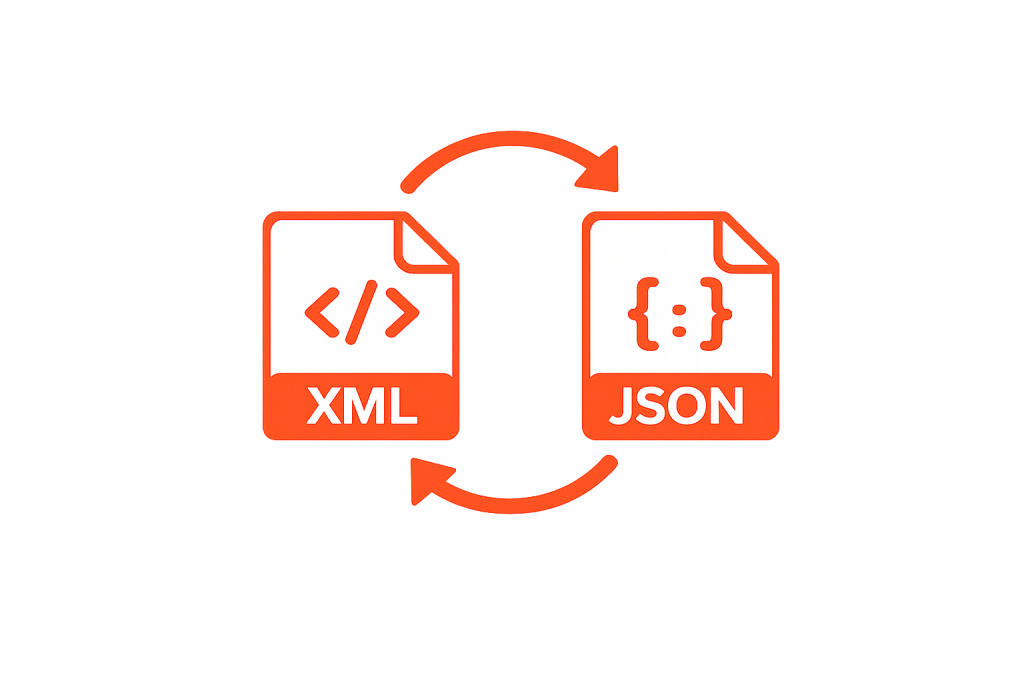
What is considered a connector in many integration platforms, we call a Module in SiPHON Platform. In our world, a Module can be a connector, but it can also be a processor, like a function that converts XML to JSON, or a grouping of similar Operations.

Once you read the sections below, it will all fit together, and you’ll be on your way to understanding how Modules work. As a quick reference, the following concepts are key to understanding. 

Modules are like a connector (they tell SiPHON how to interact with a system)

Operations are the actions that a module can perform (query, create, delete etc)

Module Configs are the configuration settings that we apply to a module (such as access credentials)

Tasks are a representation of an operation, once it’s placed on the canvas (within the Workflow Editor)

Modules #

Connector Modules are modules that connect to an endpoint such as a:

  • API
  • Service
  • Database

Transformation Modules complete a transformation of data as it moves through a workflow, such as:

  • Image manipulation
  • Transform data into different formats

Operations #

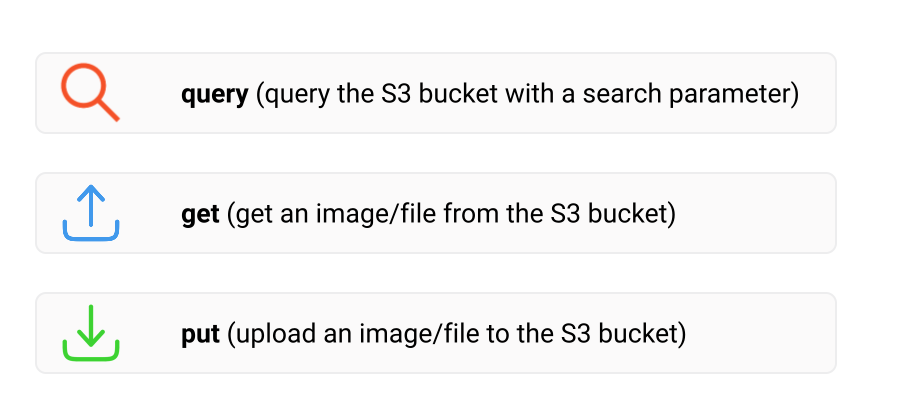
An Operation is one type of action that the module can perform. For instance, an AWS S3 module will have the following Operations:

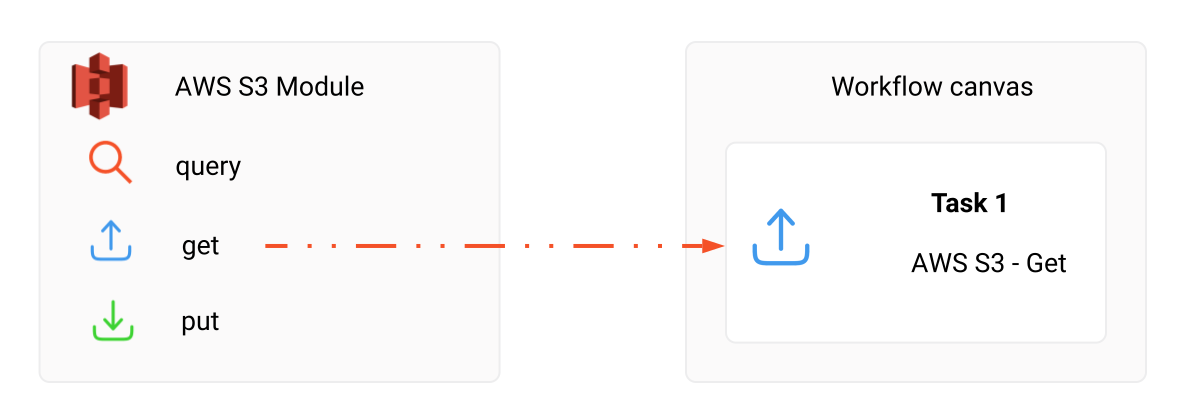
When we drag an Operation onto the canvas, we are creating a task, and telling the workflow editor that this task should use this operation.

For example, dragging the Put operation (in AWS S3 module) onto the canvas tells the Workflow Editor that we need to perform a Put operation. We can only use 1 operation per task, but we can have many of the same Operation (or different operations) used multiple times in the same workflow.

Module Configs #

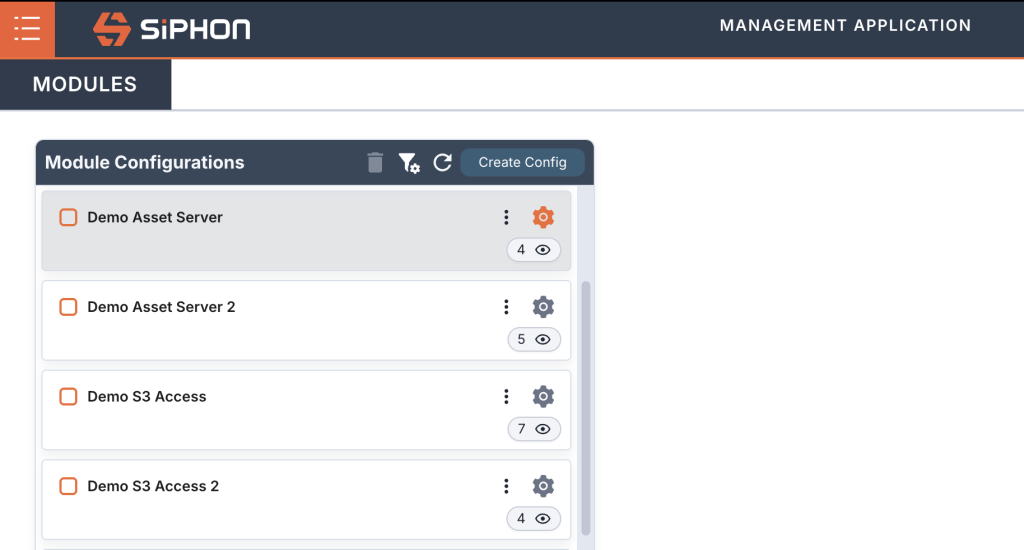
Any module that connects to another system/service requires a Module Config. Think of a Module Config as “connection settings” – that’s how you tell the module what credentials to use when connecting to a system (like Salesforce, Shopify, or Hubspot).

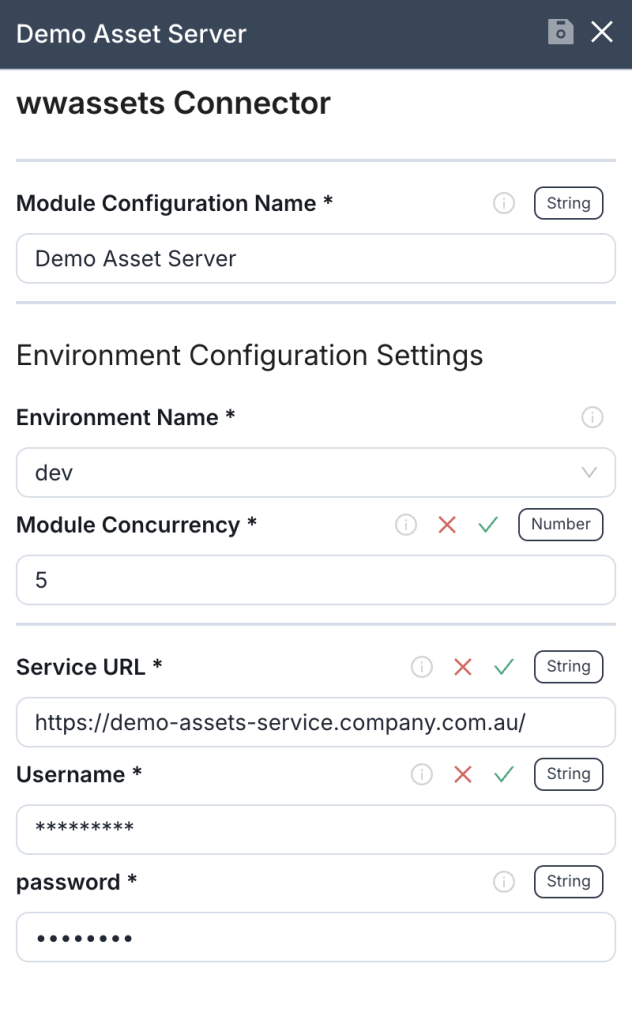
Most modules require a Module Config to tell it how to communicate (credentials and service url) with the service that it’s related to. A simple example is the AWS S3 module. The Module Config defines credentials for connecting to the S3 service.

Module Configs

We define all Module Configs in the Integration Manager prior to building a workflow (see Create a module configuration). 

If you don’t configure any Module Configs, then they won’t appear in the Workflow Editor, so this step is important. Without Module Configs, you won’t be able to connect to any systems/services.

Module Config Settings panel

Tasks #

Tasks are the representation of a single operation that a Module can perform, as we talked about earlier this could be Query OR a Create action in the case of a Connector module. It the case of a Transformation module this could be converting data like a JSON file to a XML file for use in a future step of your workflow. Check out the walkthrough below to see how to place a task on your workflow.

Walkthrough #

Advanced Concepts #

To understand more about tasks, please see the documentation related to the Workflow Editor:


In general, each task will have:

  • The Input Settings required for each Operation.
  • Variables, Flow Attributes and Calculations.
  • Dynamic fields that allow you to manipulate or preset data before it gets used by the module operation.
  • Mock Data that creates a sample of the type of data this task will return.
  • Exception Strategies that define how task failures are handled.
  • Retry mechanisms or additional logging.
  • Dependencies between input fields.


Note: Some fields may only appear when certain values in other fields are selected. For example, if an external API requires an API key, selecting that option may reveal a mandatory field for entering the key.

Was it helpful ?
Updated on June 6, 2026
en_USEnglish