Creating Projects

Overview #

As discussed in the Project Overview access the Projects interface to create your first or new Project. Before creating the project it’s best to consider what requirements you have for:


For a quick walkthrough of the creating a project  Click Here

Creating and Naming a Project #

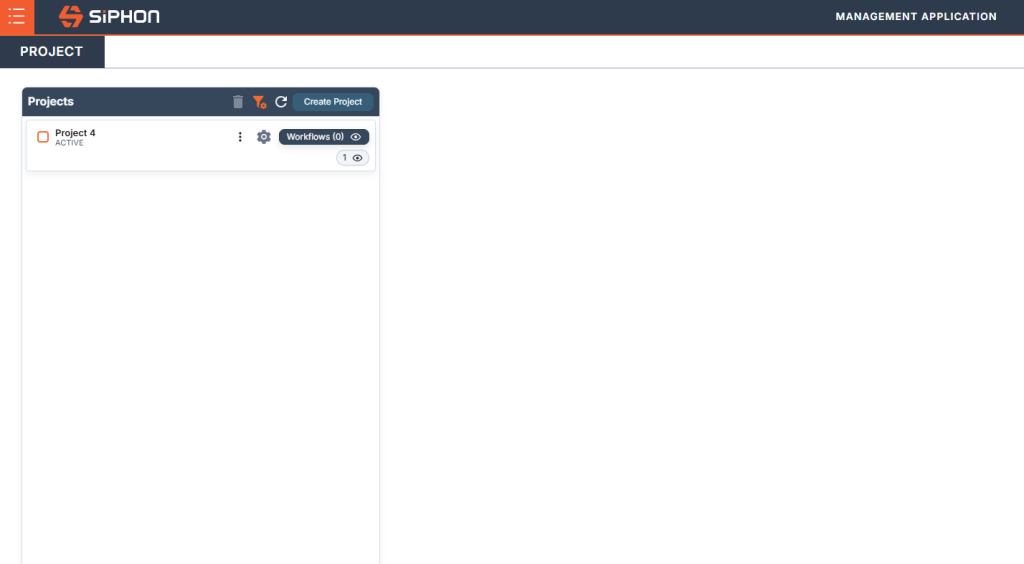
In the Projects interface click Create Project name the Project and click the Create Project button to complete creating a new Project. Once you have created you new project you are ready to 

Click on the Create Project button to create a new Project
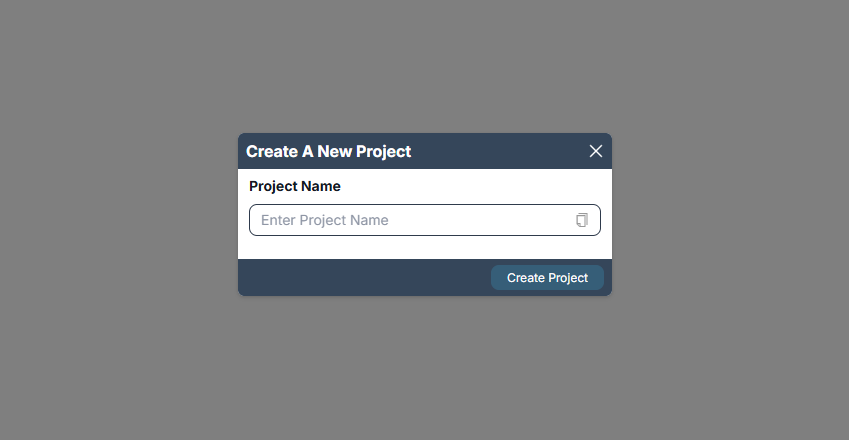
Type in the name of your new Project

Click Create Project

Walkthrough #

Was it helpful ?
Updated on June 6, 2026
en_USEnglish