testing1

Overview #

The Integration Manager is the orchestration interface within SiPHON Platform responsible for:


For a quick walkthrough of the interface click here


Integrations health and stats #

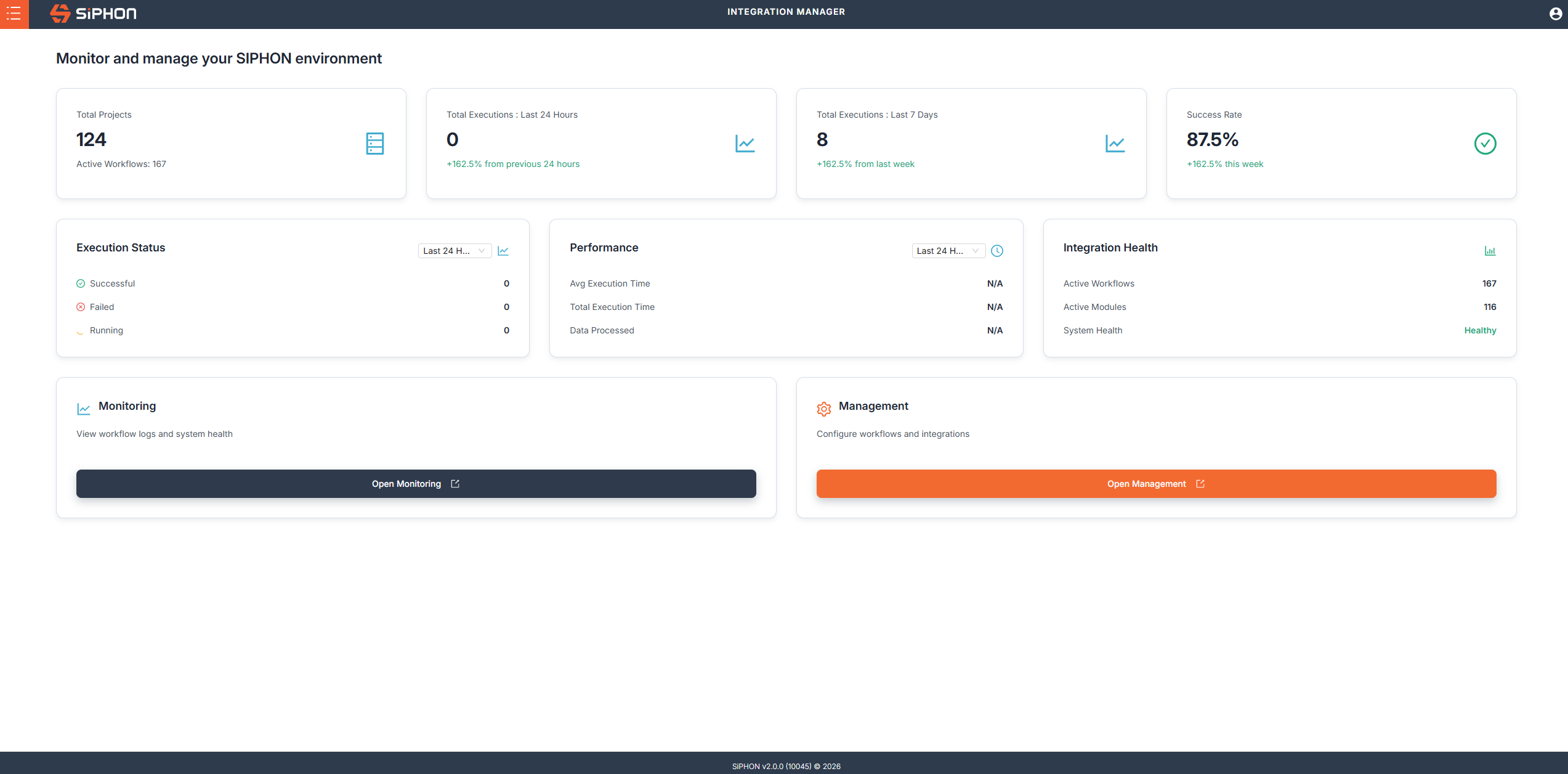
When you login to SiPHON platform you’ll be taken to the integration manager home page. This page displays the health of your tenant as well as stats for the workflows you have running in your tenant. You will be able to see:

  • Number Projects
  • Active Workflows
  • Executions for the last 24 hours & 7 days
  • Success rate of your workflows
  • Execution Statuses
  • Performance
  • Integration health

Managing Projects #

From the Integration manager you can manage your Projects from by accessing them from the 

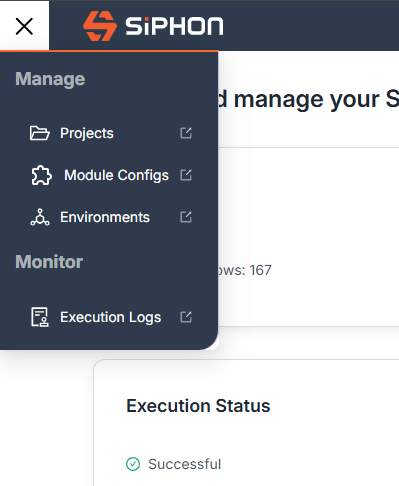
  • Menu -> Projects
  • Clicking on the Open Management button

Click on Projects from the menu to access your Projects
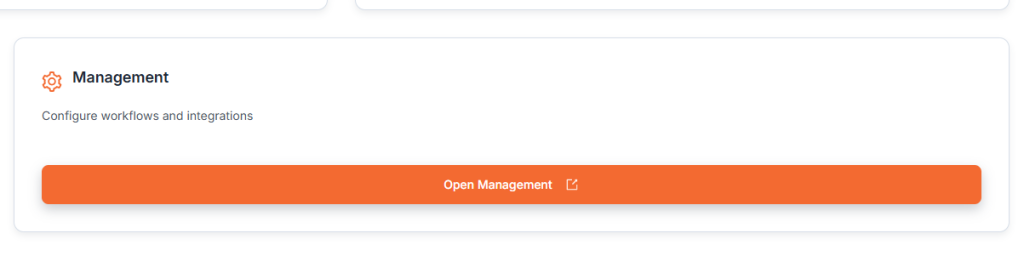
Click on Open Management to access your Projects

Configuring Modules #

Lorem ipsum dolor sit amet, consectetur adipiscing elit. Ut elit tellus, luctus nec ullamcorper mattis, pulvinar dapibus leo.

Click on Module Configs to access your module configs

Configuring Environments #

Lorem ipsum dolor sit amet, consectetur adipiscing elit. Ut elit tellus, luctus nec ullamcorper mattis, pulvinar dapibus leo.

Click Environments to configure your environments

Integration Manager walkthrough #

SPECIAL NOTE: Task Variables and Flow Attributes are special types of variables that can contain business logic. These are discussed in separate documentation because they support multiple use cases and rules that differ from standard environment variables. See the associated topic Task Presets.

This text was originally grey but is now black.

Add Your Heading Text Here #

Lorem ipsum dolor sit amet, consectetur adipiscing elit. Ut elit tellus, luctus nec ullamcorper mattis, pulvinar dapibus leo.

Add Your Tooltip Text Here

Add Your Heading Text Here #

Lorem ipsum dolor sit amet, consectetur adipiscing elit. Ut elit tellus, luctus nec ullamcorper mattis, pulvinar dapibus leo.

Add Your Tooltip Text Here

Add Your Heading Text Here #

Lorem ipsum dolor sit amet, consectetur adipiscing elit. Ut elit tellus, luctus nec ullamcorper mattis, pulvinar dapibus leo.

Add Your Tooltip Text Here

Add Your Heading Text Here #

Lorem ipsum dolor sit amet, consectetur adipiscing elit. Ut elit tellus, luctus nec ullamcorper mattis, pulvinar dapibus leo.

Add Your Tooltip Text Here

Advanced Concepts #

This topic covers advanced functionality and assumes you are already familiar with the core concepts of SiPHON Platform. If you are new to this area, consider reviewing the foundational documentation before continuing.

ADVANCED CONCEPT: This topic covers advanced functionality and assumes you are already familiar with the core concepts of SiPHON Platform. If you are new to this area, consider reviewing the foundational documentation before continuing.

This is the heading #

Lorem ipsum dolor sit amet consectetur adipiscing elit dolor

This is the heading #

Lorem ipsum dolor sit amet consectetur adipiscing elit dolor
Click Here

This is the heading #

Lorem ipsum dolor sit amet consectetur adipiscing elit dolor
An error occurred.

Advanced Concepts #


Information #


Was it helpful ?
Updated on June 5, 2026